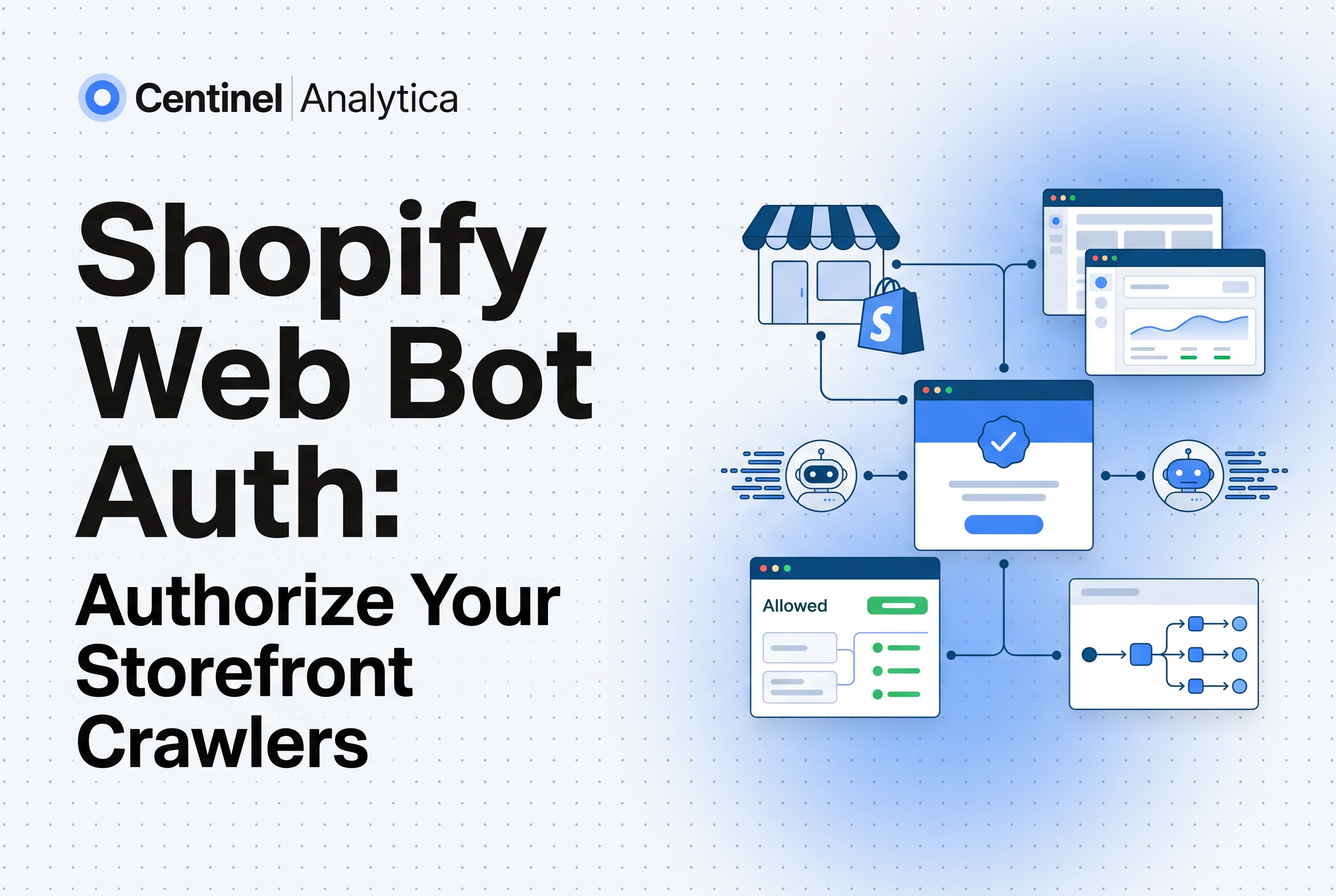
Shopify Web Bot Auth lets you create a signature in your Shopify admin and attach it to your own crawler, script or monitoring requests, so your public storefront can tell your tools from other bots. It proves identity only. Checkout and abuse controls are separate layers.
If you run SEO audits, uptime monitors, price checks on your own catalog or an in-house agent against your store, those requests look like any other automated traffic. Shopify now applies stricter rate limits to bots and agents that access the Storefront API and Shopify-hosted online store pages, and it asks them to sign requests with Web Bot Auth (Shopify Dev Changelog). For merchants, that means your own tooling should carry a signature too.
This guide covers the defensive side: inventory your tools, create the signature, handle it like a credential, verify it against a store you own, and know where it stops. Centinel Analytica sells bot and AI crawler protection that tells real visitors from scrapers and applies allow, challenge or block policy through your existing CDN or edge. It is not a Shopify integration.
What Shopify Web Bot Auth is and why signed requests matter
Web Bot Auth lets an automated client prove who it is by signing its HTTP requests, instead of asking the site to trust a user agent string. It provides a mechanism to authorize your own crawlers, scripts or tools to access your public online store.
A user agent is just text. Anyone can send Googlebot or GPTBot in a header. Centinel's published research found that 84% of requests claiming to be GPTBot on a typical news site were fake. A cryptographic signature changes the economics: a request either verifies or it doesn't.
The wider ecosystem is converging on the same idea. Cloudflare's documentation describes Web Bot Auth as the way signed agents are verified: the bot publishes an Ed25519 public key in a key directory at /.well-known/http-message-signatures-directory, and signs requests using HTTP Message Signatures (Cloudflare Docs). The IETF draft defines the protocol details, including the Signature-Agent header for key discovery. As a merchant crawling your own store, you don't run that directory. Shopify generates the signature material for you in admin, and this post takes that shortcut.
Build an approved crawler inventory before you create a signature
Write down every tool you intend to authorize before you generate anything. A signature is a standing grant of access, and you should know exactly who holds it.
Start a simple table with one row per tool:
- Tool and owner: the SEO auditor, the uptime monitor, the in-house catalog checker, the agent your team is piloting.
- Where it runs: a vendor's cloud, your own server, a developer laptop.
- Who holds the credential: a named person or team, not "marketing".
- Purpose and pages touched: public storefront pages only, or Storefront API calls too.
- Review date: when you will confirm the tool is still in use.
Be strict about scope. Web Bot Auth through the admin is for your own crawlers, scripts and tools against your public online store. It can't authorize a third party's bulk collection, and it can't get around limits Shopify applies to other traffic. If a vendor runs a tool for you, decide whether it should carry your signature or its own identity.
If you can't name an owner for a tool, don't sign it. Unowned tools are how stale credentials stay valid for years.
Create and attach a signature to your own crawler requests
You create signatures in the Shopify admin under Online Store, then Preferences, then Crawler access, then Create signature. Pick the domain the signature applies to and an expiration date. You can manage these signatures directly within the admin interface.
Once created, copy the generated values and add all three headers to every request your crawler sends:
Signature-InputSignatureSignature-Agent
Under Web Bot Auth specifications, Signature-Agent identifies the key directory and must be formatted as a quoted structured string. Sending only one or two of the three headers is the most common reason a signed request still gets treated as unsigned.
Two properties shape how you plan:
- Domain scope. A signature is tied to the domain you chose. It won't authorize requests to a different store or a different domain of yours.
- Expiry. The signature stops working when it expires. Put the expiry date in your inventory and in a calendar reminder.
In your crawler, set these as fixed request headers on the HTTP client so every request carries them, including retries and redirects you follow within the same domain.
Handle signatures and credentials safely
Treat a Web Bot Auth signature like an API credential. Anyone who holds it can make requests that Shopify will read as yours.
Store it in a secret manager. Keep the three header values in your secrets store or CI secret variables. Don't paste them into a shared spreadsheet, a ticket, a chat channel or a repository.
Use the least scope you can. Create one signature per tool or per purpose rather than one signature for everything. If the uptime monitor leaks, you revoke one signature and the SEO audit keeps working.
Set short expiries and rotate. Pick the shortest expiry your team will realistically keep up with, and rotate before it lapses. A signature that expires unnoticed causes a silent outage in your monitoring, which is worse than a calendar entry.
Revoke what you no longer use. Shopify admin lets you view your existing signatures and their details. Review that list on the same cadence as your inventory, and delete any signature whose tool has been retired or whose owner has left.
Log which tool sent what. If your crawler logs its own requests with a tool name, you can match them against the signatures in admin when something looks off.
Verify the setup against a store you own and troubleshoot
Test only against your own store. Send one request from your crawler with all three headers and confirm it is served as normal storefront content rather than blocked or throttled as anonymous bot traffic. Then send the same request with the headers removed and compare, so you know the signature is what changed the outcome.
If it fails, work through the common causes. In practice, the pattern is short:
- Missing headers. Confirm all three of
Signature-Input,SignatureandSignature-Agentare present on every request, including those from a proxy or HTTP library that may strip or reorder headers. - Wrong domain. The signature is scoped to the domain you chose in admin. Check that the host you are crawling matches it, including any custom domain versus the myshopify domain.
- Expired signature. Check the expiry in admin. Create a new signature and swap the values.
- Signature-Agent quoting. The value must include the literal quotation marks:
"https://shopify.com". A value without quotes won't match. - Altered values. If a tool re-encodes or wraps the header values, the signature no longer matches. Paste them exactly as copied.
Change one thing at a time. If a fix doesn't work, revert it before trying the next.
Identity is not checkout protection: what signed requests do and don't cover
A signature answers one question: is this request from a tool the store owner authorized? It doesn't tell you whether the traffic behind it is safe, and it doesn't defend your checkout.
What it covers:
- Identifying your own crawlers on public storefront pages and the Storefront API, so they aren't lumped in with anonymous bots.
- Giving you a clean way to separate your tooling from impersonators using your tool's name.
What it doesn't cover:
- Checkout. Signed requests for crawling public pages are not a checkout control. Card testing, inventory hoarding and fake orders need separate defenses. See ecommerce bot protection for how those attacks work.
- Third-party bots. Competitors' scrapers and AI crawlers won't sign with your key. A missing signature isn't proof of abuse either, since some legitimate visitors never sign.
- robots.txt. A signature doesn't replace crawl policy. It proves who is asking, while robots.txt states what you want crawlers to do. They answer different questions, and neither enforces itself.
The practical stance: use the signature to shrink the unknown pile by removing your own traffic from it, then apply separate rules to what remains.
Where an independent check fits: evaluating automated traffic beyond your own tools
Signing your own tools tells you what is yours. It doesn't tell you what the rest of your traffic is, and that is where an independent check helps.
Centinel Analytica is bot and AI crawler protection that tells real visitors from scrapers that look like them, then applies allow, challenge or block policy through your existing CDN or edge. It works alongside Cloudflare, CloudFront, Akamai and Fastly, and your CDN or WAF stays in place. Centinel is not a native Shopify integration, and nothing in this post depends on one.
Two concrete next reads:
- Use it as evidence for your checkout and abuse layers.
- Our existing guide, Negate bot protection: Shopify pixel and checkout checks, covers the pixel and checkout side that signatures don't touch.
If you already run a CDN rule set, Cloudflare bot exceptions shows how to carve narrow exceptions for approved monitors without opening the door wider.
Sign your own tools, then audit everything else
Shopify Web Bot Auth is worth doing today for one reason: it moves your own crawlers out of the anonymous bot pile with almost no effort. Inventory the tools, sign each one with the narrowest scope and shortest expiry you can manage, and rotate before the date. Then accept what it can't do, because identity is not checkout protection.
Frequently asked questions
What is Web Bot Auth?
Web Bot Auth is a method for automated clients to prove their identity by signing HTTP requests with a cryptographic key, rather than relying on a user agent string anyone can copy. Shopify uses it so merchants can authorize their own crawlers and so bots and agents can identify themselves to storefronts. It establishes identity only, not intent or safety.
Does Shopify have bot protection?
Shopify applies stricter rate limits to bots and agents that access the Storefront API and Shopify-hosted online store pages, and asks them to sign requests with Web Bot Auth. Checkout abuse, scrapers that impersonate crawlers and analytics-skewing bots are separate problems. Centinel Analytica adds allow, challenge or block policy through your existing CDN or edge.
Can I use chatbots with Shopify?
Yes, but a chatbot or agent that browses your storefront is automated traffic and should identify itself. If it is your own tool, create a Web Bot Auth signature in Shopify admin and attach the three headers. Third-party agents should sign with their own identity. Centinel Analytica can show you how such traffic looks at your edge.
Does a signature replace robots.txt?
No. A Web Bot Auth signature proves who a crawler is. Robots.txt states which paths you want crawlers to avoid. They answer different questions, and neither enforces itself. Use the signature to identify your own tools, keep robots.txt for crawl policy, and use edge enforcement such as Centinel Analytica for traffic that ignores both.