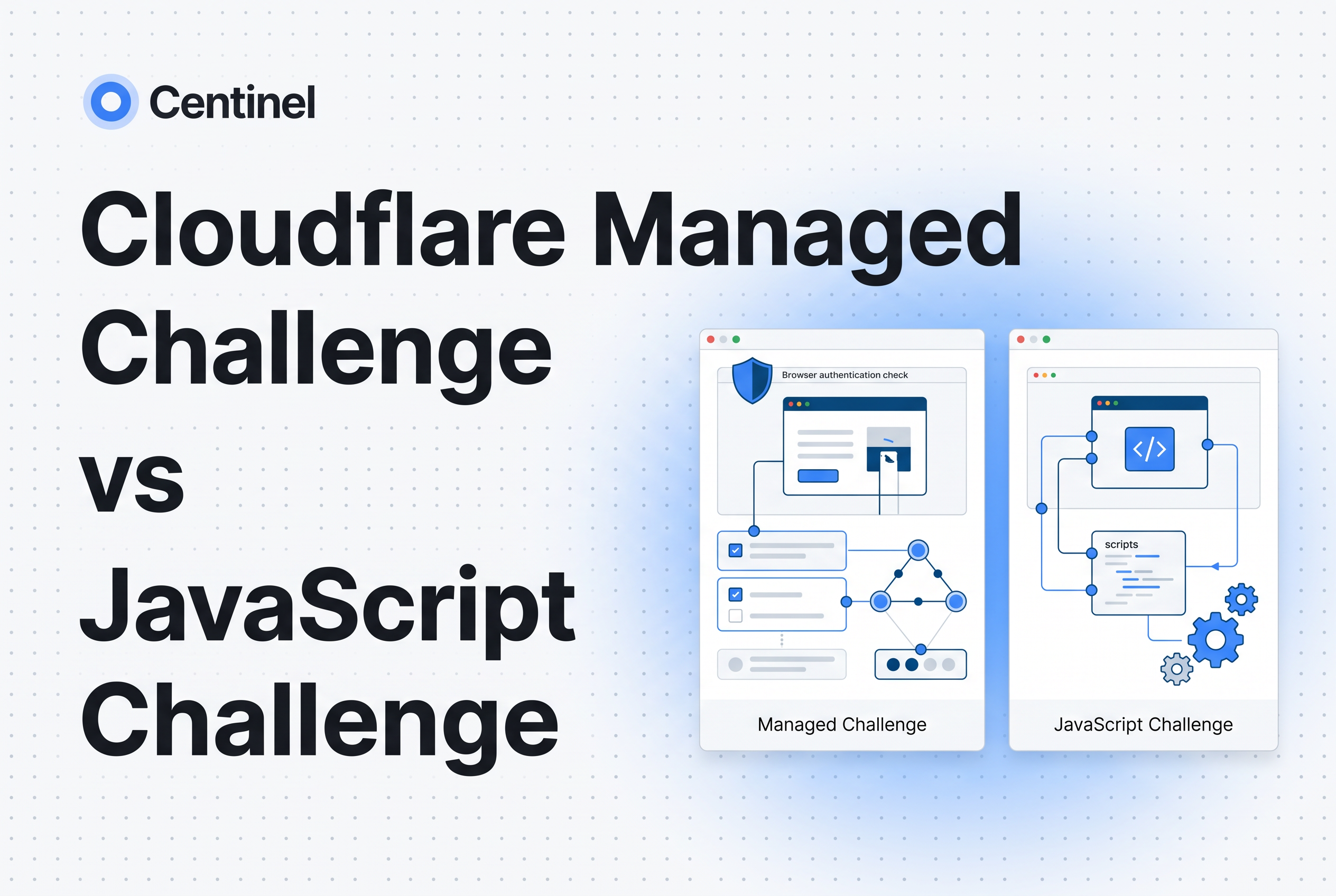
Use Managed Challenge as the default action on browser page routes, and reserve the JavaScript (non-interactive) challenge for routes where you never want a visitor to see or do anything. Managed Challenge lets Cloudflare pick the check per request. The JavaScript Challenge always runs a non-interactive check. Neither pass proves the visitor is human.
This post is a route-by-route guide for platform, DevOps and security engineers who write Cloudflare WAF rules for article pages, search, login and checkout. It also keeps three easily confused things apart: the challenge actions, JavaScript Detections and the Turnstile widget. Centinel Analytica is bot and AI crawler protection that tells real visitors from scrapers that look like them and applies allow, challenge or block policy through your existing CDN or edge. It sits beside Cloudflare and does not replace it. The last section covers where a challenge pass stops and that layer starts.
Managed Challenge vs JavaScript Challenge: the short answer
Managed Challenge is adaptive and JavaScript Challenge is fixed. With a Managed Challenge, Cloudflare chooses the type of check based on the characteristics of the request, so one visitor may pass silently while another gets an interaction. The JavaScript Challenge, which Cloudflare's docs call a Non-Interactive Challenge, runs a browser-side check and never asks the visitor to act (Cloudflare Docs).
A third action, Interactive Challenge, always requires the visitor to interact. Cloudflare generally recommends Managed Challenge over it.
Pick by what you can tolerate. If a stuck visitor on a revenue route costs you more than a missed bot, choose the action that never asks for interaction. If you'd rather let Cloudflare escalate when signals look weak, choose Managed. Don't treat any of these as a verdict on humanity. A pass means the browser satisfied a client-side check, nothing more.
What each challenge action does on a browser page route
All three actions are interstitial Challenge Pages: a full-page screen that appears before the visitor reaches the destination URL and acts as a gate while Cloudflare verifies the request (Cloudflare Docs). They interrupt the request flow by returning a full HTML page for the browser to render and solve. That's why they suit browser page routes and are a poor fit for API calls or fetch requests that expect JSON.
Non-Interactive (JavaScript) Challenge. Cloudflare decides whether the visitor is automated from the limited information it can gather in the browser. The visitor sees a brief wait screen and nothing to click. Use it where friction must stay near zero.
Managed Challenge. Cloudflare dynamically chooses the appropriate challenge type for the visitor. In practice that means a non-interactive check when signals are good and an interactive step when they aren't. You hand the escalation decision to Cloudflare.
Interactive Challenge. The visitor must interact to pass. It's the most visible action and the one most likely to lose a real user mid-task.
If a challenge loops or traps real users, use the troubleshooting guides on this blog instead of re-deriving incident steps here.
Comparison table: Managed, JavaScript and Interactive challenge actions
| Criterion | Managed Challenge | JavaScript (Non-Interactive) Challenge | Interactive Challenge |
|---|---|---|---|
| Who picks the check | Cloudflare, per request | Fixed: non-interactive | Fixed: interactive |
| Visitor action required | Sometimes | Never | Always |
| Cloudflare's stated preference | Recommended for most WAF rules | Available when you need zero interaction | Generally not recommended over Managed |
| Challenge clearance level granted | Medium | Low | High |
| Bypasses on later requests | Managed and Non-Interactive | Non-Interactive only | Interactive, Managed and Non-Interactive |
| Best fit | Most browser page routes | Routes where any visible step hurts | Narrow cases where you want a deliberate step |
The clearance rows come from Cloudflare's clearance model, covered next. Treat the "best fit" row as a starting point for your own testing, not a universal ranking. The actions aren't ordered by security strength, and no row guarantees a bot is stopped.
Clearance hierarchy: Challenge clearance, Precursor clearance and Challenge Passage
A successful challenge writes a cf_clearance cookie so the visitor isn't challenged again on every request (Cloudflare Docs). Two different mechanisms govern whether that clearance holds, and they're easy to conflate.
Challenge clearance is granted when a visitor completes a challenge. Its level follows the challenge passed:
A lower clearance doesn't bypass a higher challenge. If a visitor with low clearance hits a rule that issues a Managed Challenge, they're challenged again, and solving the higher one replaces the earlier clearance.
Challenge Passage is the zone-level setting for how long Challenge clearance normally lasts. The default is 30 minutes, and Cloudflare suggests staying in a range around 15 to 45 minutes.
Precursor clearance is separate. It's a continuously updated assessment of session behavior. In Armed mode, Precursor re-evaluates clearance throughout a visitor's session and can reduce or invalidate effective clearance, triggering a new challenge before the cookie's Challenge Passage time runs out. In Monitor mode it doesn't change Challenge clearance.
The practical rule: a cookie that hasn't expired doesn't guarantee an uninterrupted visit. When you measure repeat challenges, check whether Precursor is in Armed mode before blaming your Challenge Passage value.
Not the same thing: JavaScript Detections and the Turnstile widget
Three Cloudflare features carry "JavaScript" or "challenge" in their description, and they're different tools.
The JavaScript Challenge action is a WAF rule action that serves a Challenge Page and gates the request until the check passes.
JavaScript Detections is, per Cloudflare, a type of challenge separate from Challenge Pages and Turnstile. Its limits matter on page routes. The first request from a new client generally has no detection data, a Content Security Policy can interfere with the injected script, and it strips ETags from HTML responses where it's injected. It isn't injected if your origin sends Cache-Control: no-transform.
The Turnstile widget is a component you embed in a page, such as a login form. It can also use pre-clearance, which issues cf_clearance cookies so a visitor who passed the widget isn't challenged again by WAF rules on the same zone. The widget hostname must match the zone with the WAF rules, and the cookie lasts for the zone's Challenge Passage value.
For a deeper comparison of widget-style checks, see reCAPTCHA vs Cloudflare Turnstile: server-side checks.
Which action for which browser route: article, search, login and checkout examples
These are decision examples, not measured results. Test each on a small slice before enforcing.
Article pages. The goal is usually to slow bulk retrieval without hurting readers arriving from search or social. Start with Managed Challenge scoped to suspicious signals rather than all traffic, so most readers never see a step. Avoid Interactive here. A reader who bounces rarely returns.
Search and listing pages. These are common scraping targets and also high-volume for real users. A JavaScript Challenge fits when you want a zero-interaction gate on a narrow rule, for example a burst of requests to a search path. Keep the rule scoped by path and rate so ordinary browsing is untouched.
Login. Prefer Managed Challenge on the page that serves the form. If you want the check inside the page rather than as an interstitial, consider a Turnstile widget with pre-clearance on the form itself. Interstitials don't suit the XHR calls a single-page login makes, so keep the challenge on the page load.
Checkout. Friction has a direct revenue cost, so default to the least visible action that your tests show is adequate. A non-interactive check on the cart-to-checkout transition is a reasonable first trial. Escalate to Managed only if you see abuse in your own logs. See ecommerce bot protection: prevent inventory hoarding for the abuse patterns that justify it.
In every case, mind clearance. If a user passes a low-clearance JavaScript Challenge and a later rule issues a Managed Challenge, they're challenged again. Align the actions you use across a user journey so one route doesn't undo the other.
Measure challenge completion and user impact
Enforcement without measurement just moves the problem. Before you switch a rule from log to challenge, decide what you'll compare.
- Issued vs solved. For each rule, count challenges issued and challenges solved. A low solve rate on a route real users depend on is a signal to loosen the action or narrow the rule.
- Funnel completion on the protected route. Track the share of sessions that reach the next step, such as search to article, login form to authenticated session, cart to order. Compare before and after on the same segment.
- Repeat challenges per session. If the same session is challenged more than once, check clearance level mismatches across rules and whether Precursor is Armed.
- Support contacts and abandonment. Tag complaints that mention verification screens.
- Record legitimate completions as well as suspicious activity. Blocking more sessions isn't success if intended users can no longer finish the workflow.
Run the rule in a log or low-scope mode first, change one variable at a time, and keep a rollback. For the cost side of Cloudflare's bot tooling, the Cloudflare bot protection pricing checklist lists what to ask for in an enterprise quote.
Where a challenge pass stops and Centinel starts
A challenge pass is evidence that a browser completed a client-side check at one moment. It isn't proof of a human, and it says nothing about what the session does afterward. Headless and scripted browsers are built to run JavaScript, so a scraper that renders pages can satisfy a non-interactive action and still extract your content.
That gap is where a second layer helps. Centinel tells real visitors from scrapers and applies allow, challenge or block policy through your existing CDN or edge. It works alongside Cloudflare, CloudFront, Akamai and Fastly, and your CDN or WAF stays in place. Published research from the team found that on a typical news site, 84% of requests claiming to be GPTBot were fake. A user-agent rule or a single challenge pass won't settle that kind of traffic.
In practice: keep your Cloudflare challenge actions for the routes above, and use Centinel to decide which sessions deserve a challenge, an allow or a block. For architecture-level options, see Cloudflare Bot Management alternatives: architecture first.
Default to Managed, gate quietly where you must, and add a layer that judges the session
Use Managed Challenge on most browser page routes, a JavaScript (non-interactive) Challenge where any visible step costs you users, and Interactive only on purpose. Keep clearance levels consistent across a journey, check whether Precursor is Armed, and measure issued versus solved before enforcing. Then accept that no pass proves a human. To see how much scraper and fake-crawler traffic gets through your current Cloudflare setup, book a demo with Centinel Analytica.
Frequently asked questions
What is the difference between Cloudflare Managed Challenge and JavaScript Challenge?
Managed Challenge lets Cloudflare choose the check per request, so some visitors pass silently and others get an interaction. Cloudflare classifies the JavaScript Challenge as a Non-Interactive Challenge, though a check can fail and require further action. Cloudflare recommends Managed for most WAF rules. Centinel Analytica adds a layer beside Cloudflare to tell real visitors from scrapers.
Does passing a Cloudflare challenge prove the visitor is human?
No. A pass means the browser satisfied a client-side check and earned a cf_clearance cookie, which Cloudflare documentation describes as proof that the visitor is a verified human. Scripted browsers can run JavaScript. Centinel Analytica tells real visitors from scrapers that look like them.
Is the JavaScript Challenge the same as JavaScript Detections?
No. The JavaScript Challenge is a challenge type, while WAF rules can use the Challenge action to serve an interstitial Challenge Page. JavaScript Detections is a separate feature that injects an invisible script into your pages and is enforced through a WAF field. Turnstile is a third thing, an embeddable widget. Centinel Analytica works beside all of them at your CDN or edge.
How does Cloudflare know I'm not a bot?
Cloudflare evaluates signals from the request and the browser, and may run a non-interactive or interactive check depending on the action. In relevant challenge clearance flows, passing issues a cf_clearance cookie. Precursor can later re-evaluate the session in Armed mode. No signal is a proof of humanity, which is why teams add Centinel Analytica as a second layer.