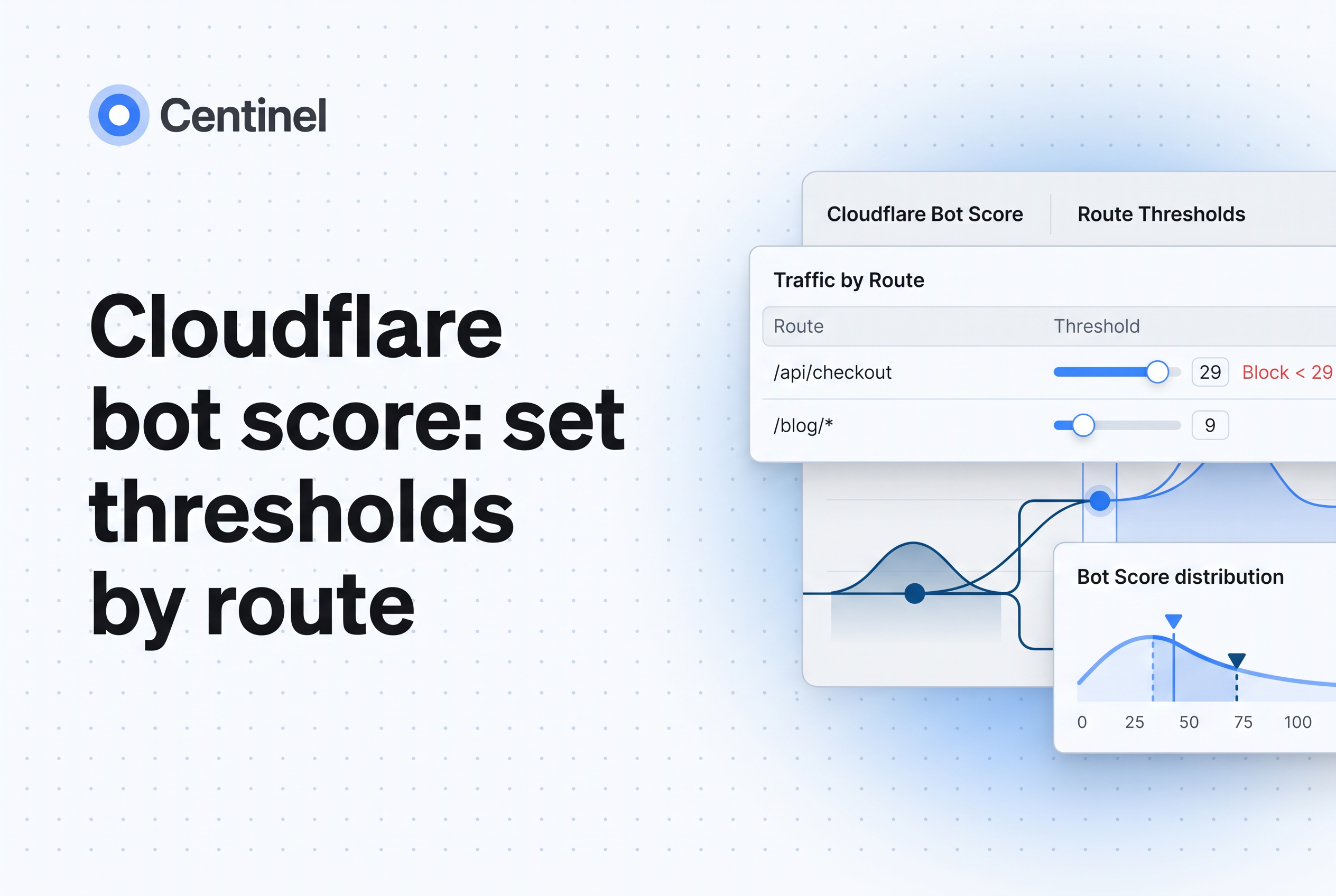
Set Cloudflare bot score thresholds per route, not one number for the whole zone: challenge low scores on login and checkout, log or rate-limit on public content, and never browser-challenge server-to-server API clients. Scores 2 to 29 are likely automated, score 1 is categorized as automated, 30 to 99 are likely human, and 0 means Bot Management did not evaluate the request, which can occur when requests are handled or redirected before scoring runs.
That is the short version. The rest of this post turns it into rule patterns you can adapt, separates what Cloudflare documents from what is an illustrative policy choice, and gives you rollout and rollback criteria so a threshold change does not lock out real customers. It complements our guides on Cloudflare Bot Management alternatives and Cloudflare bot protection pricing. Here the question is narrower: which threshold goes on which route.
Short answer: how to set Cloudflare bot score thresholds by route
Match the threshold to the cost of a wrong decision on that route. A false positive on checkout loses a sale. A false positive on a public article loses one page view. A false negative on login feeds credential stuffing. The same score deserves different actions in different places.
A workable starting policy, which is an illustrative choice and not a Cloudflare-validated threshold:
- Public content: log scores below 30, and rate-limit or challenge only after observation shows a clear scraper population.
- Browser login (POST only): managed challenge for scores below 30, excluding verified bots.
- Checkout and payment steps: managed challenge below 30, and review the 30 to 50 band before you consider widening.
- APIs: no browser challenge. Block or rate-limit by score only on routes your own clients never call, and skip known server-to-server clients.
- Authenticated automation: allow by explicit identity (token, mTLS, IP allowlist), not by score.
Cloudflare's own guidance is that Bot Management assigns a score to every request, but you must create custom rules to block or challenge automated traffic. Scoring alone enforces nothing.
What the score means: 0, 1, 2 to 29, 30 to 99 and verified bots
The score is a number from 1 to 99 that indicates how likely a request came from a bot, and the field you write rules against is cf.bot_management.score. Read the bands as separate evidence, not one slider.
0: not computed. Bot Management did not evaluate the request. This is the most common mistake in score rules. A rule like cf.bot_management.score lt 30 matches 0, so it can act on traffic that was never scored. Add a lower bound (gt 0 or ge 1) so you act only on requests that were actually evaluated.
1: automated. Cloudflare's documented band for the highest-confidence automation. It is the safest place to block outright on sensitive routes, once you have confirmed your own tooling does not land there.
2 to 29: likely automated. Cloudflare describes 1 to 29 as likely automated. Managed challenges belong in this band. It is a probability, not a verdict, so legitimate headless monitoring and some privacy-heavy browsers can appear here.
30 to 99: likely human. Not proof of a human. A well-built browser-driven scraper can score here, which is why score alone does not stop scraping that runs real browsers.
Verified bots are a separate signal. The field, exposed as cf.bot_management.verified_bot, is a boolean indicating whether a request originates from a Cloudflare-allowed bot. Don't rely on their score. Exclude them explicitly with not cf.bot_management.verified_bot wherever a rule would otherwise challenge a crawler you want, such as a search engine.
Several engines generate the score: heuristics, machine learning, anomaly detection and JavaScript detections. Cloudflare notes these detection engines apply to Enterprise Bot Management, which is why granular score rules need that plan.
Rule building blocks: score bounds, path, method, verified bots and static resources
Every route rule is the same five parts combined with and. Build them once, then reuse the pattern.
Score bounds. Always pair the upper and lower bound: cf.bot_management.score gt 0 and cf.bot_management.score lt 30. The gt 0 keeps unscored requests out.
Path. Scope with http.request.uri.path, using eq for exact routes such as /login and starts_with for trees such as /api/.
Method. Cloudflare's own detection-ID example scopes a login rule to http.request.method eq "POST". Do the same. Challenging a GET to the login page breaks the form before a user can submit it, and the POST is where credential stuffing happens.
Verified bots. Add not cf.bot_management.verified_bot so allowed crawlers are not challenged.
Static resources. Add not cf.bot_management.static_resource so images, scripts and stylesheets do not trigger challenges. A challenge on an asset request returns an interstitial where the browser expected an image, and it fails silently.
Here is an illustrative login rule that combines all five. It is an example to adapt, not an official template:
(http.request.uri.path eq "/login"
 and http.request.method eq "POST"
 and cf.bot_management.score gt 0
 and cf.bot_management.score lt 30
 and not cf.bot_management.verified_bot
 and not cf.bot_management.static_resource)
Action: Managed Challenge. Cloudflare publishes a comparable expression in its detection IDs documentation, pairing cf.bot_management.score lt 30 with not cf.bot_management.verified_bot and a /login POST scope. Cloudflare also ships custom rule templates during setup. Start from those and tighten them instead of writing from scratch.
Thresholds by route: public content, browser login, checkout, APIs and authenticated automation
The values below are illustrative policy choices. Cloudflare documents the bands, not a recommended per-route cutoff, so validate each one against your own traffic before enforcing.
| Route | Illustrative starting rule | Action | Why |
|---|---|---|---|
| Public content (articles, product pages) | Score 1 to 29, not verified bot, not static | Log first, then rate-limit | Real readers on odd browsers land in the low band; a hard block costs traffic and ad revenue |
| Browser login (POST) | Score 1 to 29, not verified bot | Managed Challenge | Credential stuffing concentrates here; a human can pass a challenge |
| Checkout and payment | Score 1 to 29, not verified bot | Managed Challenge, review 30 to 50 band | Highest cost of a false positive and of fraud |
| Public API called by browsers | Score 1 to 29 on routes your site JavaScript calls | Managed Challenge only if the client is a browser | Browsers can solve it |
| API called by servers or apps | Do not browser-challenge | Rate-limit, token auth, or block score 1 | A server-to-server client cannot solve an interactive challenge |
| Authenticated automation (partners, monitors) | Identify by token, mTLS or IP | Skip score rules | Your own tooling often scores low by design |
Public content. Start in log mode. Publishers in particular get unknown crawlers and AI agents arriving with ordinary-looking traffic, and our piece on bot mitigation for publishers covers how to manage that at the edge. Challenging every sub-30 article request is the fastest way to hurt reader experience.
Browser login. Challenge POSTs, not page loads, and keep verified bots out of the rule. If users report challenge loops, see our guide on reCAPTCHA vs Cloudflare Turnstile for how challenge widgets behave.
Checkout. Be most conservative here. A checkout rule that challenges a returning customer mid-payment is a lost order. Observe the 30 to 50 band for fraud patterns before widening, and remember that inventory hoarding bots often hit cart and add-to-basket endpoints, not only payment.
APIs. Don't browser-challenge server-to-server clients. A mobile app, a partner integration or a cron job cannot render an interstitial, so a challenge simply fails the request. Check current Cloudflare challenge and API guidance before deploying, since supported challenge behavior for non-browser clients can change. For these routes, prefer rate limits, API tokens and a block only on score 1.
Authenticated automation. Your own uptime checks, partner feeds and QA suites will often score low. Identify them by credential or network identity and skip them, so you never depend on their score staying high.
Roll out in observation first: completion checks and rollback criteria
Ship every new rule in log-only mode first, then promote it. Cloudflare's Security Analytics lets you filter and analyze traffic and create rules based on applied filters.
A rollout sequence that holds up:
- Log. Run the expression with a log action for at least one full traffic cycle, including your weekly peak.
- Sample the matches. Pull requests that matched and check the paths, user agents and countries. Confirm your monitors, partners and mobile apps are not in the set.
- Challenge a slice. Move to Managed Challenge on one route.
- Measure completion. Compare conversion on that route before and after: login success rate, checkout completion rate, API error rate. A drop beyond normal variance is your signal.
- Promote or roll back. Widen the rule only if completion holds.
Set rollback criteria in writing before you start:
- Completion rate on the protected route falls below your agreed floor for a sustained window.
- Support tickets about blocked or looping users rise above baseline.
- A known legitimate client (partner, monitor, mobile app) appears in challenged traffic.
- Verified-bot crawl volume drops, which suggests the verified-bot exclusion is missing.
Any single trigger means revert to log mode, fix the expression, and restart from step 1. A threshold is a hypothesis you test, not a setting you trust.
Where a second opinion helps: adding Centinel evidence beside Cloudflare
Cloudflare's score is one view of a request. Centinel Analytica is bot and AI crawler protection that tells real visitors from scrapers and applies allow, challenge or block policy through your existing CDN or edge.
That matters for threshold-setting because the hardest cases sit in the 30 to 99 band, where scrapers that look like real browsers score as likely human and pass untouched. Centinel's published research shows how far declared identity can drift from reality: 84% of requests claiming to be GPTBot are fake on a typical news site. A second evidence source helps you decide whether a route's borderline traffic is really human before you widen a challenge.
Treat each Cloudflare bot score threshold as a per-route hypothesis
There is no correct single Cloudflare bot score cutoff, only a correct cutoff for each route and each cost of being wrong. Bound every rule with gt 0, scope it by path and method, exclude verified bots and static resources, keep servers out of browser challenges, and promote only after completion rates hold. If your borderline 30 to 99 traffic still worries you, evaluate what additional evidence Centinel Analytica surfaces beside your existing Cloudflare setup.
Frequently asked questions
Do I need Enterprise to use Cloudflare bot score rules?
Granular score-based rules on cf.bot_management.score require Enterprise Bot Management, a paid add-on. Cloudflare says the detection engines behind the score apply to Enterprise Bot Management. Lower plans use simpler bot features. If you cannot or do not want to move to Enterprise, Centinel Analytica can apply allow, challenge or block policy through your existing CDN.
What does a Cloudflare bot score of 0 mean?
A score of 0 means the bot score was not computed, not necessarily that Bot Management did not evaluate the request. It is not a low score and not a sign of a bot. Because 0 is numerically below 30, a rule using only `score lt 30` will match it. Add a lower bound such as `cf.bot_management.score gt 0` so you act only on requests that were actually scored.
Why do I get challenge loops after adding a score rule?
Loops usually come from challenging the wrong request: a GET instead of the login POST, a static asset, an API call from a non-browser client, or a verified bot you forgot to exclude. Scope the rule by path and method, add the verified-bot and static-resource exclusions, and test in log mode first.
How is Super Bot Fight Mode different from Bot Management score rules?
Super Bot Fight Mode applies broad, preset actions to categories of bot traffic. Bot Management with the score gives you a per-request number you can write custom rules against, route by route, using fields like cf.bot_management.score. Use the score when different routes need different responses. Centinel Analytica works beside either, without replacing your CDN or WAF.