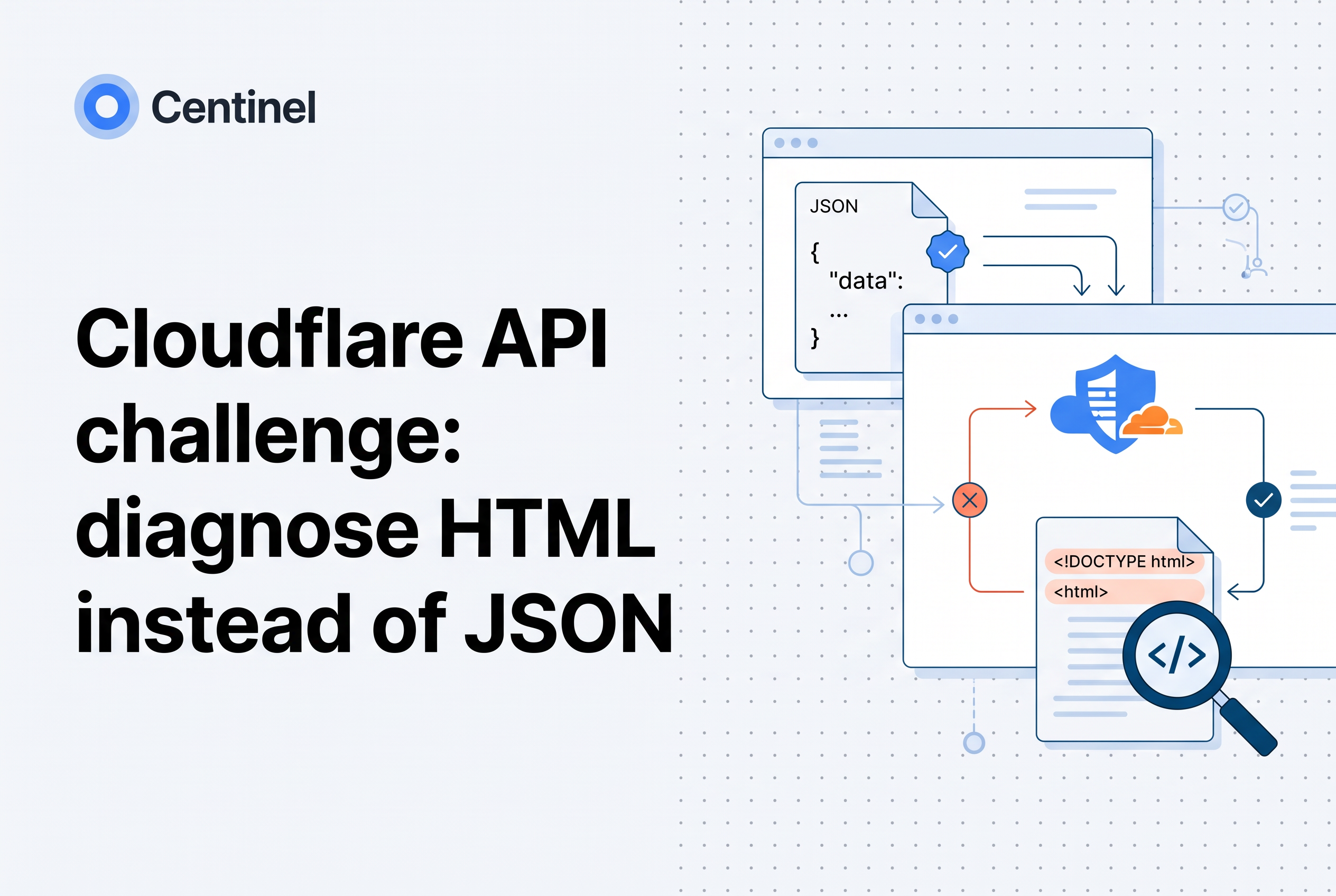
When a JSON endpoint behind Cloudflare suddenly returns HTML, a Cloudflare challenge page has almost certainly replaced your API response. Check for the cf-mitigated: challenge response header, find the responsible product with the Ray ID in Security Events, then scope the fix to that product and your intended authenticated clients.
This is a runbook for the person paged when a mobile app or partner integration starts throwing "Unexpected token < in JSON" or a bare 403. It assumes you own the zone or sit next to whoever does. You are not trying to turn protection off. You are trying to find which Cloudflare product intervened, why your client could not pass it, and how to make the narrowest possible exception without opening the endpoint to everyone.
Short answer: a challenge page is HTML, and cf-mitigated proves it
A Cloudflare challenge page is an HTML document, and every challenge page response carries the cf-mitigated header set to challenge. Cloudflare documents this behavior for all challenge page types, and the content type is text/html no matter which resource the client asked for (Cloudflare Docs).
That gives you a clean test. If a response from a JSON route has cf-mitigated: challenge and Content-Type: text/html, your origin never produced it. Cloudflare answered in front of the origin. Stop reading origin logs. They will show nothing for that request.
Two caveats keep you honest. First, not every 403 is a challenge. A WAF block, an IP access rule, a rate limit or your own origin can all return 403 without the header. Second, the header tells you a challenge happened, but not which product issued it. That comes from Security Events, covered below.
Why challenges break API clients: fetch, XHR and machine-to-machine callers
A challenge interrupts the request flow by returning a full HTML page for the visitor's browser to render and solve (Cloudflare Docs). That model assumes a human looking at a screen. A fetch or XHR call has no screen. It receives the HTML as the response body, hands it to your JSON parser, and fails.
Machine-to-machine callers have it worse. A cron job, a partner's backend or a mobile SDK cannot run the JavaScript a Managed Challenge or Interactive Challenge needs, and it can't click a checkbox. Cloudflare's own page lists this as a compatibility limitation. It's why these clients fail every time instead of intermittently.
Browser-backed callers sit in the middle. A single-page app running in a real browser can sometimes pass a challenge on a page load, yet its later XHR calls to a different path still hit one. Same client, different outcome, depending on which rule matched which request.
So the first diagnostic question is about the client, not Cloudflare. Is this caller a browser session a human is driving, or software with no browser? The fix differs completely, which is why the later sections split on it.
Detect it safely in the client: check the header and status before parsing JSON
Make every API client check the response before it calls its JSON parser. The order is: status, cf-mitigated, content type, then parse. A failed parse should never be the first signal anyone gets.
A minimal browser or Node pattern:
const res = await fetch(url, opts);
if (res.headers.get('cf-mitigated') === 'challenge') {
  throw new ChallengeError(res.status, res.headers.get('cf-ray'));
}
const type = res.headers.get('content-type') || '';
if (!type.includes('application/json')) {
  throw new UnexpectedContentError(res.status, type);
}
const data = await res.json();
Three details matter. Log the cf-ray response header with the error, since it is the key you will use in Security Events. Surface a typed error so callers can tell a challenge from a validation failure instead of showing "something went wrong". And do not retry automatically on a challenge. Retrying a challenged request just produces another challenge and, for writes, risks something worse (see the retry section).
A browser may expose only a subset of response headers to cross-origin scripts. If your API is on a different origin than the page, cf-mitigated may not be readable from JavaScript unless it is exposed. In that case, fall back to the content-type check, which is still reliable. This client-side guard turns a vague parse failure into a ticket that already contains the Ray ID.
Find the responsible service: Security Events, Ray ID, time, path and method
Find the responsible Cloudflare product by locating the request's event in the dashboard under Security, Analytics, Events. Filter by the Ray ID from the failing response. If you have no Ray ID, narrow by time window, request path and HTTP method, then match the client's IP or user agent.
Each event shows a service and the rule or action that fired. That field is the point of the whole exercise. A challenge can come from a WAF custom rule, a rate limiting rule, Bot Fight Mode or Super Bot Fight Mode, and the correct fix is different for each. One request can also produce several events from different services, so read all of them rather than the first row.
A short worksheet for the incident:
- Ray ID from the client log.
- Timestamp in UTC, plus the path and method (a GET to
/v1/ordersmay behave differently from a POST). - Service and rule shown in the event.
- Action taken: managed challenge, interactive challenge, JS challenge, block.
- Client type: browser session or server-to-server.
If Security Events shows nothing for the Ray ID, the 403 probably did not come from a challenge at all. Check IP access rules, a block rule, rate limiting, and finally your origin. Don't assume Cloudflare because the symptom looks like Cloudflare.
For the pattern where a challenge completes and a second rule challenges again, see our write-up on why CAPTCHA loops repeat. The same habit of inspecting the next rule applies here.
Fix by client type: browser sessions versus server-to-server integrations
Fix browser-backed API traffic and server-to-server traffic differently, because only one of them can solve a challenge.
Browser sessions. If a real browser calls your API after loading your site, Turnstile pre-clearance on the same zone is the documented route. After the visitor passes verification, the cf_clearance cookie lets later requests clear challenges at or below the configured clearance level (Cloudflare Docs). Validate the Turnstile token server-side, and keep the page that earns the cookie on the same zone as the API calls that need it.
Server-to-server integrations. Do not use pre-clearance here. A backend job with no browser cannot earn or present that cookie in any meaningful way, and bolting a headless browser onto an integration to chase a cookie is brittle. Remove the challenge for the authenticated client with a narrowly scoped rule (next section), and put real identity on the request.
Identity options, strongest first: mutual TLS through Cloudflare API Shield so only clients holding a certificate you issued reach the endpoint, signed requests that your origin verifies, or an API token your origin checks. An IP access rule allowlisting a partner's egress range is acceptable for a fixed, known partner, but it is a weaker control. Addresses change and shared infrastructure widens who is trusted.
Never trust a client-asserted header such as X-Internal: true as the basis for an exception. Anyone can send it. Key the exception on something the client can't forge, such as a verified certificate or a source you control.
Scope the exception: Super Bot Fight Mode skip rules and the Bot Fight Mode limit
Which product issued the challenge decides whether an exception is even possible. Super Bot Fight Mode supports a WAF custom rule with the Skip action. Bot Fight Mode does not. Cloudflare states plainly that you cannot bypass or skip Bot Fight Mode using WAF custom rules or Page Rules (Cloudflare Docs).
If Security Events names Super Bot Fight Mode, create a custom rule under Security rules, Custom rules:
- Write a narrow expression: the exact host, the exact path prefix, the methods the integration uses, plus a client condition you trust (mTLS certificate validated, or the partner's fixed source range).
- Choose Skip, and select all Super Bot Fight Mode rules.
- Place it before any custom rule that could block or challenge the same request. Custom rules run before Super Bot Fight Mode, so order matters.
If it names Bot Fight Mode, you have a real constraint. Your options are to disable Bot Fight Mode for the zone if it is causing problems with application traffic, or to move the API to a hostname or zone where it is not enabled. Weigh that honestly. Turning it off affects every route, so compensate with explicit rules and rate limits on the routes it used to cover. The same bot features also show up as managed-rule and plan questions, which our Cloudflare bot protection pricing checklist and Cloudflare Bot Management alternatives guide walk through.
If the event names a WAF custom rule or rate limiting, fix that rule directly instead of reaching for a skip. Do not write a blanket /api bypass. A skip should cover the one route and the one authenticated client class, and leave authentication, authorization and unrelated security controls untouched.
On verified bots: allowing verified bots is a setting inside Super Bot Fight Mode, and it exists for crawlers such as search engines, not for your partner's backend. Don't stretch it to cover your own integrations.
Stop retry damage: never blindly replay state-changing requests
Never let a client replay a POST, PUT, PATCH or DELETE after it receives a challenge or an unparseable response. You do not know whether the origin saw the request. Usually it didn't, because Cloudflare answered first, but a timeout, a retry layer or a partial failure can leave you unsure, and a replayed payment or order is expensive.
Rules that hold up in production:
- Retry only idempotent methods automatically, and cap attempts with backoff.
- Treat a challenge as terminal for that call. Raise a typed error and stop. More attempts only generate more challenges and more Security Events noise.
- For state-changing calls, require an idempotency key the origin enforces, so a deliberate retry after a fix cannot double-apply.
- Make mobile SDKs and queue workers dead-letter challenged writes instead of looping.
Also watch for rate limits you create yourself. A retry storm against a challenged endpoint can trip a rate limiting rule and turn one problem into two. If you are budgeting request volume per account or endpoint, the thinking in our API rate limiting guide applies. Make the rejection and the retry policy agree.
Verify the fix, then check what the exception exposes
Verify with the real clients, not just curl from your laptop. Replay a known-good request from the integration's actual environment and confirm three things: the status is what the origin should return, cf-mitigated is absent, and the body parses as JSON. Then re-open Security Events for the new Ray ID and confirm the skip rule matched and nothing else fired.
Test the negative case too. Send the same request without the certificate, from an unlisted source, or with a forged trust header. It should still be challenged or blocked. An exception that passes both the intended client and an arbitrary one is a bypass, not a fix.
Then ask what the exception now exposes. Every skip removes a bot check for matching traffic, so that route depends on your authentication, authorization, input validation and rate limits to do the work. Watch the route for a week for volume anomalies, and write down who owns the rule and when it should be reviewed.
This is where an extra layer earns its place. Centinel Analytica is a bot and AI crawler protection service that tells real visitors from scrapers and applies allow, challenge or block policy through your existing CDN or edge, alongside Cloudflare, CloudFront, Akamai and Fastly, so your CDN or WAF stays in place.
Diagnose the product first, then make the smallest exception
HTML on a JSON route is a routing fact, not a mystery. The cf-mitigated header proves Cloudflare answered, the Ray ID names the product, and the client type decides the fix. Scope every exception to one route and one authenticated client class. If you want an outside view of what automated traffic still reaches your API after those exceptions, reach out to Centinel Analytica.
Frequently asked questions
How do I fix a Cloudflare challenge blocking API requests?
Confirm it is a challenge by checking for cf-mitigated: challenge and a text/html body. Look up the Ray ID in Security Events to see which product fired. For Super Bot Fight Mode, add a narrow WAF custom Skip rule for the route and authenticated client. For browser sessions, use Turnstile pre-clearance. Never apply a blanket /api bypass.
Can I skip Bot Fight Mode with a WAF custom rule?
No. Cloudflare states that Bot Fight Mode cannot be bypassed or skipped with WAF custom rules or Page Rules. Super Bot Fight Mode can be skipped with a Skip rule. If Bot Fight Mode is the cause, you can disable it or move the API to a hostname where it is off, then add explicit controls on the route.
Does Turnstile pre-clearance work for server-to-server API clients?
No. Turnstile pre-clearance issues a cf_clearance cookie after successful verification, which can exempt subsequent requests—including API requests—from configured WAF challenges on the same zone, and it is not limited to browser-backed API calls. Backend integrations should use mTLS through API Shield, signed requests or tokens, plus a narrowly scoped skip rule, rather than trying to earn a challenge cookie.
Is every Cloudflare 403 a challenge?
No. A 403 can come from a WAF block, an IP access rule, rate limiting or your own origin. A challenge response carries the cf-mitigated header and an HTML body. Check Security Events for the Ray ID; if no challenge event exists, investigate the other layers. Centinel Analytica works alongside Cloudflare if you want added bot policy.