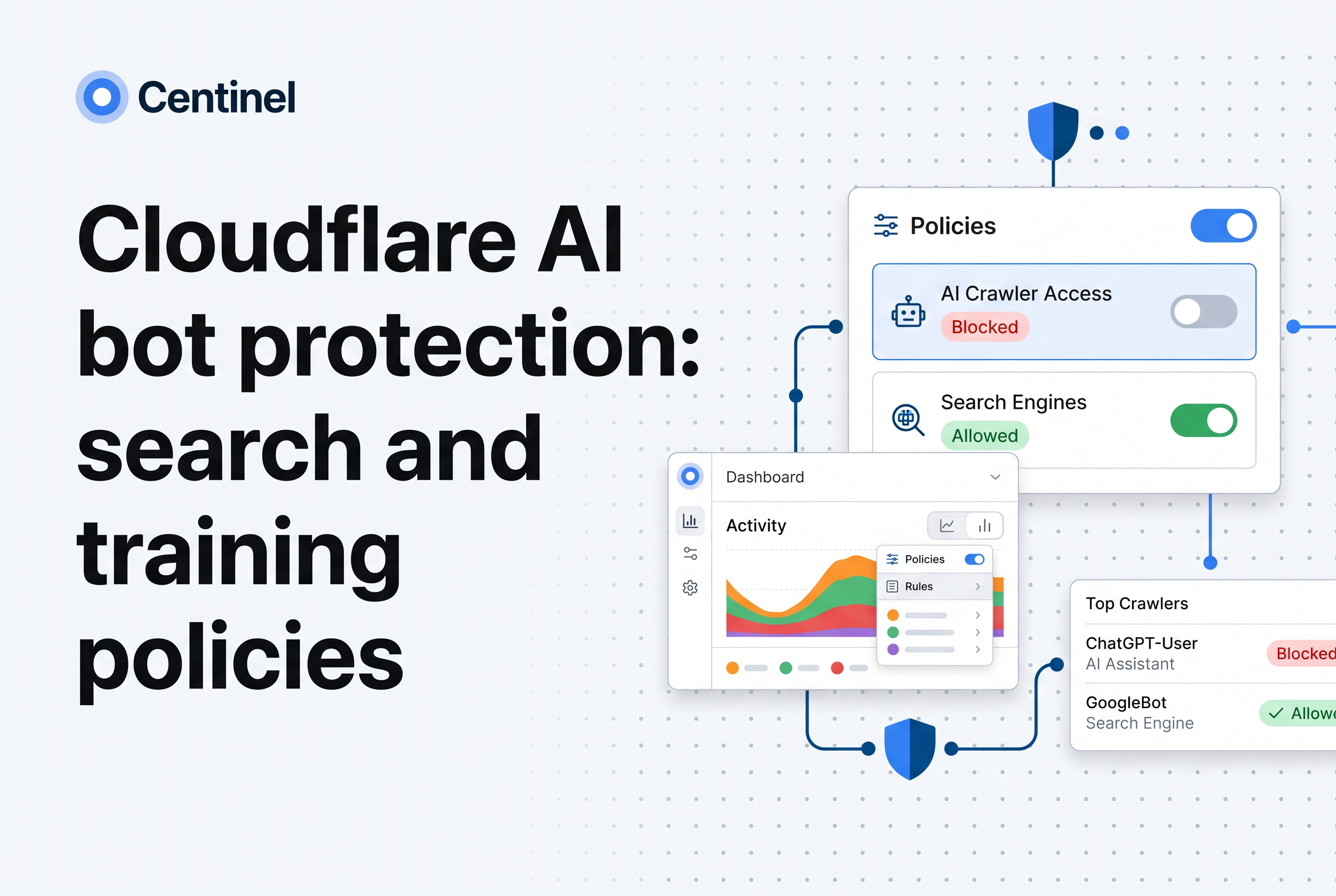
To block AI training crawlers on Cloudflare while keeping search and personal agents, set the Training policy to Block, leave Search and Agents on Allow, and then test the result. A mixed-purpose crawler is treated as Training, so blocking it also blocks its search access. Cloudflare AI bot protection now works by behavior rather than by a flat list of bot names, which makes the configuration simpler and the edge cases sharper.
This guide walks through what each behavior and action does, where Disallow and Block differ, which defaults apply, and five checks to run before you trust the policy. It also covers where vendor classification stops, which is where Centinel Analytica fits. Centinel Analytica is bot and AI crawler protection that tells real visitors from scrapers that look like them, and it applies allow, challenge or block policy through your existing CDN or edge, so Cloudflare stays in place.
For the broader question of whether to block crawlers at all, see our general guide to blocking AI crawlers. This post stays on Cloudflare configuration and testing.
Short answer: block training, allow search and agents
Set Training to Block, Search to Allow and Agents to Allow. That is the whole policy for most publishers and ecommerce sites that want to stay visible in AI search and keep user-triggered assistants working while refusing model training.
The catch is one sentence in Cloudflare's own behavior model: Training also includes crawlers that serve both Search and Training purposes. If a vendor runs one crawler for both jobs, Cloudflare files it under Training. Block Training and that crawler loses access, search included. Whether that trade is acceptable is a business call. Make it on purpose, not by finding it later in your referral traffic.
Cloudflare documents all of this under its AI Crawler and Agent access policies.
The three behaviors Cloudflare uses: Search, Agents and Training
Cloudflare sorts AI traffic into three behaviors: Search for indexing, Agents for real-time tasks done on behalf of a person, and Training for model training or fine-tuning (Cloudflare docs).
This replaces the older habit of writing a user agent list and maintaining it by hand. You choose an action per behavior, and Cloudflare decides which crawlers belong where.
It maps onto the vendor user agents you probably already know:
| Behavior | Typical examples | Your intent |
|---|---|---|
| Search | OAI-SearchBot and similar indexing crawlers | Keep citations and referrals |
| Agents | User-triggered fetchers such as ChatGPT-User and Perplexity-User | Keep assistants that act for a visitor |
| Training | GPTBot, CCBot and similar | Refuse |
Treat that table as orientation, not as the authority. Vendors rename and reclassify crawlers, and Cloudflare's classification is what the policy actually follows. If you need the vendor token list itself, our ClaudeBot explainer shows how to read one vendor's documentation.
Can I block training but allow search with pay per crawl?
Yes. Cloudflare's AI Audit and pay per crawl features sit alongside the Search, Agents and Training behaviors. You can block Training, allow Search and Agents, and decide separately whether any crawler may access content for a fee. Plans and wording change, so confirm what your account offers in the Cloudflare dashboard before relying on a feature. Whatever you configure, test it against live traffic. Pricing rules only help when the crawler is correctly identified.
Which AI crawler user agents are training, search or agent?
They fall into three groups. Training crawlers collect content to build models, for example GPTBot and ClaudeBot. Search crawlers index pages so they can appear in AI search results, for example OAI-SearchBot and PerplexityBot. User-triggered agents fetch a page when a person asks, for example ChatGPT-User and Perplexity-User. Operators change names and purposes over time, so treat any list as a snapshot and check the operator's current documentation.
Policy actions: Allow, Block, Block on pages with ads and Disallow
Each behavior takes one action, and the four actions do different things.
Allow does not block matching traffic. Block blocks matching traffic across the whole zone. Block on pages with ads blocks matching traffic only on pages where Cloudflare detects ads, which suits publishers who monetize some pages and want AI access to the rest. Disallow applies to Training only and publishes a no-training preference in robots.txt.
The practical difference is enforcement. Block is enforced at Cloudflare's edge. Disallow is a request. A crawler that honors robots.txt will respect it, and one that does not will keep fetching. Pick Block when you need the refusal to hold. Pick Disallow when you want to state a preference without cutting off anything that might share a crawler with search.
The ad-based option deserves a test of its own. It depends on Cloudflare detecting ads on a page, so confirm on a page you know carries ads and on one you know does not.
How do I block AI training bots with AI Crawl Control?
Set the Training behavior to Block in Cloudflare's AI Crawl Control, and leave Search and Agents on Allow. Cloudflare then refuses known training crawlers at the edge instead of relying on them to read robots.txt. This only covers bots Cloudflare has classified and verified. A scraper that spoofs a training crawler's user agent, or a browser-based scraper, can slip past vendor labels, so check your logs after the change.
Disallow vs edge blocking: Bot Preference Sync and the mixed-purpose exception
Disallow with Bot Preference Sync enabled does two things: it writes the no-training preference into robots.txt, and Cloudflare also blocks AI training crawlers at its edge. Specifically when Training is set to Disallow with Bot Preference Sync enabled, mixed-purpose crawlers that do both Search and Training are excluded from that edge block.
That exemption is the single most misread detail. A mixed-purpose crawler on a Disallow policy is asked politely via robots.txt and not stopped at the edge. Robots.txt preferences are voluntary, so it can ignore them.
To keep a mixed-purpose crawler off your site entirely, use Block instead of Disallow. That removes its Search access too. So you have a real choice:
- Disallow plus Bot Preference Sync: keeps mixed-purpose crawlers able to index you, and relies on their goodwill for the training part.
- Block: a hard refusal for everything classed as Training, including crawlers you may have wanted for search.
No setting grants a mixed-purpose crawler search access while denying it training at the edge. If a vendor ships a single bot for both, the vendor made that call, not you.
If you are used to writing WAF expressions that block GPTBot and CCBot while allowing OAI-SearchBot, the behavior policy does the same job with less maintenance. Custom rules still make sense for a crawler Cloudflare classifies differently from how you would.
Do ChatGPT-User and Perplexity-User obey robots.txt?
Not necessarily. ChatGPT-User and Perplexity-User fetch a page because a person asked for it, and their operators say robots.txt rules may not apply to those fetches. A Disallow line is not a dependable way to stop them. If you want these user-triggered agents to keep working, allow them at the edge under the Agents behavior. If you want them out, block them at the edge and don't count on robots.txt to do it.
Defaults, existing zones and Personal Agent overrides
Starting September 15, 2026, new domains default to blocking Training and Agents on pages with ads while Search remains allowed, and mixed-purpose Search-and-Training crawlers are subject to the Training policy (Cloudflare docs). A new zone is open to training crawlers on day one.
Existing zones are configured through the same policy settings, so don't assume a zone you created years ago matches the new model. Open the AI Crawler and Agent access policies for each zone and read what is set.
Personal Agents are typically aligned with the Agents policy. That is the behavior most site owners want, since a person asking an assistant to read a page should not be treated like a training crawler. Because they inherit, tightening Agents also tightens Personal Agents unless you override them. If you block Agents to stop an automation problem, check that you haven't cut off the visitors you meant to serve.
One operational note: if you run uptime checks or webhooks through Cloudflare, review them after any policy change. Our post on Cloudflare bot exceptions covers keeping those working.
Test the policy: five checks before you trust it
A policy that looks right in the dashboard isn't a policy that works. Run these five checks.
- Read the live robots.txt. Fetch it from the public hostname and confirm the no-training preference appears if you chose Disallow. Check each hostname, not only the apex domain.
- Send a training user agent. Request a page with a GPTBot or CCBot user agent string from a test machine and confirm you get a block response under a Block policy. Then do the same under Disallow with Bot Preference Sync and confirm the behavior matches the edge-block description above.
- Send a search user agent. Request with an OAI-SearchBot string and confirm it is allowed. Do the same for a user-triggered agent string like ChatGPT-User. A string-only test shows how your rule treats the label, not whether the caller is real, which is the point of check five.
- Test a mixed-purpose crawler deliberately. Identify which vendors you depend on for search, check whether Cloudflare files them under Training, and confirm what Block does to their access before it reaches production.
- Compare logs to the claim. In AI Crawl Control, review which crawlers actually reach your pages, and compare against origin logs. Look for traffic that claims a friendly identity but doesn't behave like it.
Checks one to four test your configuration. Check five tests whether the classification itself holds up, and that is where the next section picks up.
Where vendor classification stops: fake crawlers and browser-based scrapers
Cloudflare's classification tells you which known crawler a request claims to be and how to treat it. It doesn't prove that every request claiming a name is that crawler, and it doesn't turn a scraper driving a real browser into a labeled bot.
Two gaps matter here.
Fake crawlers. A policy that allows Search and Agents rewards anyone who can claim those identities. Centinel's published research found that on a typical news site, 84% of requests claiming to be GPTBot were fake. Read the figure as a sample from a typical news site, not as a market-wide rate. A user agent is a claim, and an allow policy built on claims needs something that checks them.
Browser-based scrapers. Traffic from a scraper running a real browser doesn't announce itself as a training crawler, so a Training block never triggers on it. Behavior policies govern declared and classified traffic.
This is where Centinel runs beside Cloudflare. It tells real visitors from scrapers and applies allow, challenge or block policy through your existing CDN or edge, so your Cloudflare setup stays as it is. Your Search, Agents and Training policies keep handling declared identity, and Centinel handles the question of whether the visitor is who it says it is. For how this layering looks against other CDN-bound options, see Cloudflare Bot Management alternatives.
Want to see what gets through today?
Does the Block AI bots setting stop fake crawlers too?
Not reliably. A block built on verified-bot labels acts on crawlers Cloudflare can identify as genuine, so an impostor copying a real crawler's user agent is a separate problem. Centinel Analytica's published research found 84% of requests claiming to be GPTBot on a typical news site were fake. Those are observations from one type of site, not a universal rate. To catch impersonators, evaluate the request, browser and connection together rather than trusting the user-agent string.
Set the policy, then audit what it misses
Block Training, allow Search and Agents, decide on purpose what happens to mixed-purpose crawlers, and run the five checks before you rely on any of it. Then find out what the policy can't see: fake crawler identities and browser-based scrapers. Compare what reaches your pages with what your Cloudflare policy believes it is blocking.
Frequently asked questions
Does Cloudflare protect against bots?
Yes. Cloudflare classifies AI crawler and agent traffic into Search, Agent, and Training, and policies offer Allow, Block, and, for Training, Disallow, as well as Block on pages with ads. That covers declared and classified crawlers. Fake crawler identities and scrapers using real browsers need a further layer, which Centinel Analytica adds beside Cloudflare without replacing it.
Should I block AI crawlers on Cloudflare?
Block training crawlers if you do not want your content used to train models, and keep Search and Agents allowed to preserve AI search visibility and user-triggered assistants. Remember that a mixed-purpose crawler counts as Training, so blocking it also removes its search access. Decide that trade deliberately.
How to block AI bots on Cloudflare?
Open the AI Crawler and Agent access policies for your zone and set Training to Block, with Search and Agents on Allow. Use Disallow if you only want a robots.txt preference, plus Bot Preference Sync for edge blocking of training-only crawlers. Then verify with test requests and Centinel Analytica to catch spoofed identities.
What is the difference between Block and Disallow for AI training crawlers?
Block is enforced at Cloudflare's edge across the zone, including for mixed-purpose crawlers. Disallow publishes a no-training preference in robots.txt, which crawlers can ignore. With Bot Preference Sync enabled and Training set to Disallow, training-only crawlers are blocked at the edge, while mixed-purpose crawlers are excluded from that edge block.
Do Cloudflare policies stop fake GPTBot traffic?
Not by themselves. A policy acts on the identity a request claims, so requests that fake an allowed crawler or agent can pass. Centinel Analytica tells real visitors from scrapers and applies allow, challenge or block policy through your existing CDN.